
Splashy Words Support
Thank You for your interest in our Splashy Words kids game designed to encourage early reading and sentence building skills. If you need any support or have a question, feedback or suggestion, you can use the form below to contact us.
We’re here to help! Find answers to common questions below.
Frequently Asked Questions
What age is Splashy Words designed for?
Splashy Words is designed for children ages 4 to 8, though the three reading levels (Emerging, Growing, and Confident) make it enjoyable for younger and older children as well.
Does the app require an internet connection?
No. Splashy Words works entirely offline. No internet connection is needed to play, and the app never sends or receives data from external servers.
How do I change a player’s reading level?
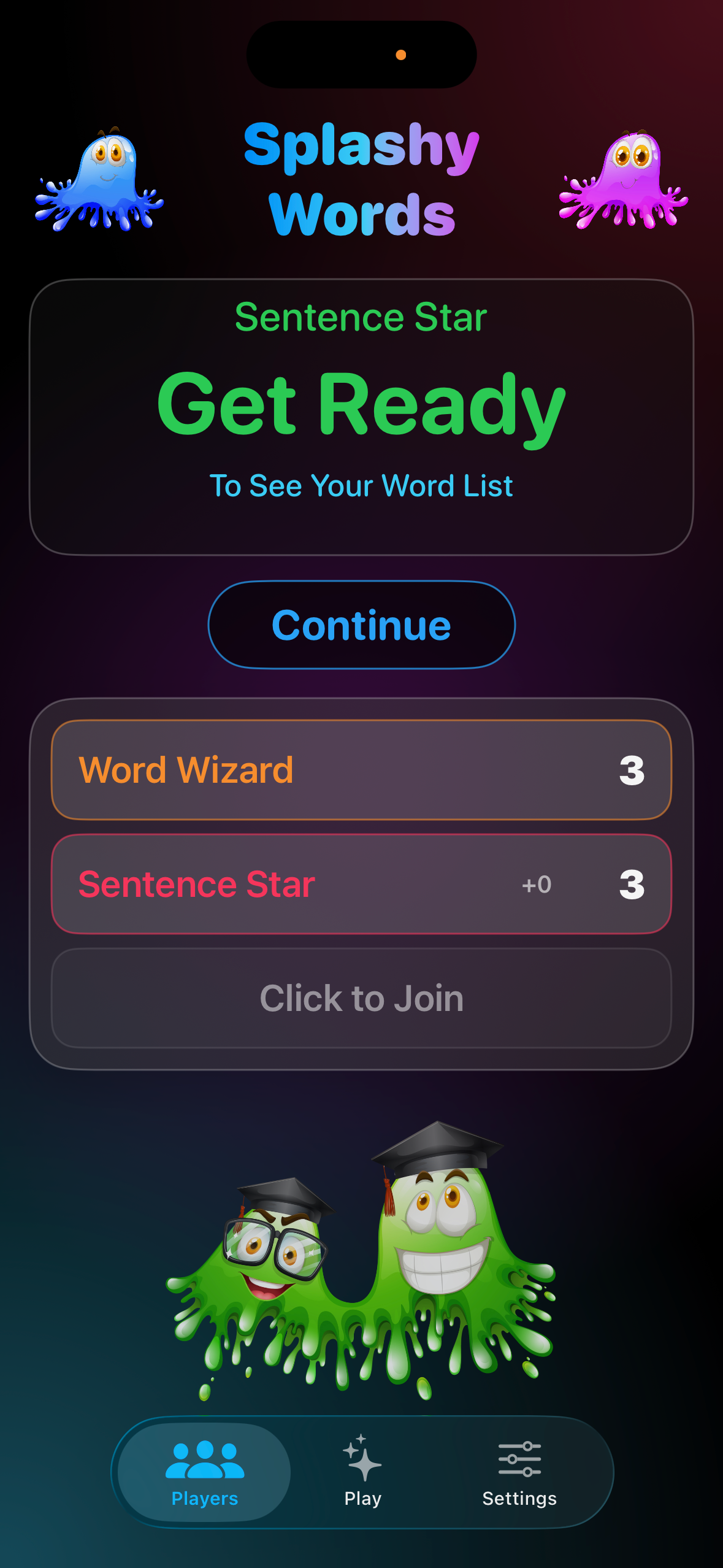
Go to the Players tab and tap on a player’s name or profile area. You’ll see options to change their reading level between Emerging, Growing, and Confident. Each level adjusts vocabulary difficulty, star thresholds, and timer speed.
How do I access the settings?
Tap the Settings tab at the bottom of the screen. You’ll see a kid-friendly screen with “How to Play” and “Start New Game” options. To access the full settings (star goals, timer, audio, custom words, reset options), look for the small gear icon in the top-right corner of that screen.
Can I add my own words?
Yes! In the full settings, tap “Custom Words” to open the word editor. You can add words to any category — useful for bilingual lessons, themed vocabulary, or matching a specific curriculum.
Can I add my own images?
Not Yet! Support for custom images may be provided in future versions. Dynamically generated AI images may even be feasible once the models are perfected.
What is the Silly Sucker bonus?
After each turn, a “Bonus” button appears. Parents or teachers can award an extra star if the sentence was especially creative, funny, or clever. It’s a fun way to encourage creative thinking!
How do I reset the game or delete all data?
In the full settings (via the gear icon), scroll to the Reset section. “Reset Scores” sets all player scores back to zero for a fresh game. “Delete All Data” erases everything — scores, player names, and settings — returning the app to its original state.
Does the app collect any data about my child?
Absolutely not. Splashy Words collects zero personal data. No accounts, no analytics, no tracking, no ads. All game data stays on your device. See our Privacy Policy for full details.
What devices does Splashy Words support?
Splashy Words runs on iPhone and iPad. It supports both portrait and landscape orientations and adapts its layout for different screen sizes.
Still Need Help?
If you have a question that isn’t answered above, or if you have a suggestion for improving the app, please use the form below:
Testimonials and other helpful comments are also welcome and appreciated. We would love to hear from you.